

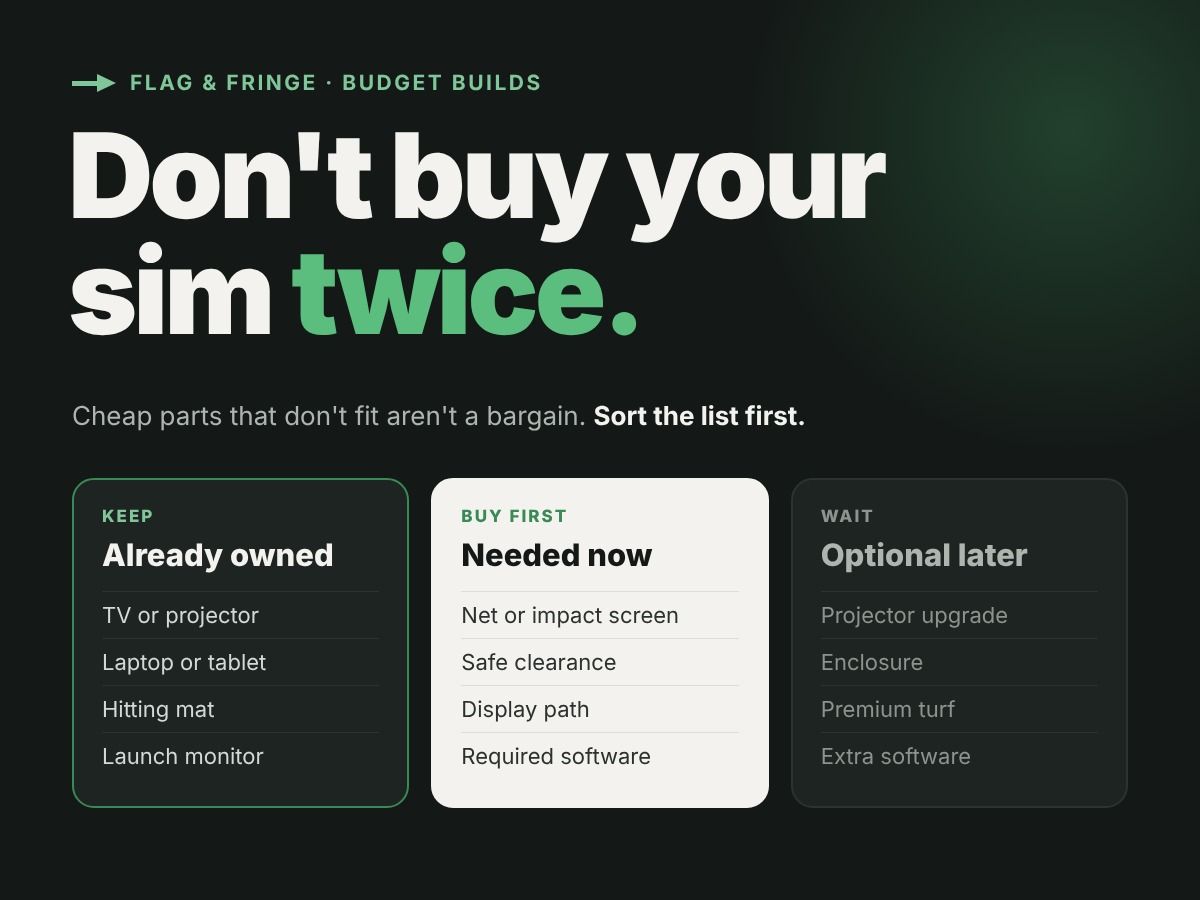
A budget-friendly simulator isn't simply the least expensive launch monitor plus the least expensive screen. It's a setup that serves your actual goals, fits your room, and avoids unnecessary replacements.
Before you pick any equipment, check your golf simulator room size. The room decides which launch monitor and screen can work.
Instead of starting with a shopping cart, start with three columns: Already owned, Needed now, and Optional later.
First, choose the experience you want
Do you want to see shot data on a phone? Hit into a net and watch ball flight on a TV? Or project the course onto an impact screen? Your answer shapes the equipment list.
A net-and-TV path and a projected-screen path can have different requirements for display hardware, host software, impact protection, and mounting. Avoid paying for a projector before you know which experience and screen will fit.
Use existing gear—but verify it
A projector, hitting mat, laptop, or TV may already be suitable for part of the build. Record its model and relevant specifications. Check connections, required software, placement, and physical constraints rather than assuming an item will work.
Already own a launch monitor? Make sure the display path and any required subscription fit your intended use. If you're unsure about a specification, keep it marked as unresolved.
Spend on impact protection and safe clearance first
Protecting the hitting area is not an optional upgrade. Choose an impact-rated screen or a suitable net and comply with the chosen product's instructions, backing needs, and clearances.
If you buy an enclosure kit, check whether it already includes a screen or side protection. Counting the same item twice is an easy way to inflate a budget.
Compare the complete purchase list
Before comparing retailer offers, account for the parts you actually need: launch monitor, hitting surface, ball-stop solution, display, mounts or cables, compatible host equipment, and any software fees.
Don't treat an advertised item price as your final first-year cost. Shipping, tax, software, replacement materials, and installation requirements can change the total. Compare exact eligible products and current terms rather than assuming a bundle is automatically the lowest-cost choice.
Build in stages
One possible path is a net and device-only practice setup, followed later by a display or projection upgrade—only if the launch monitor and space support that plan. Other golfers may choose a screen from the beginning. There isn't one universally suitable sequence.
Make a list of the requirements your future setup would need, so an early purchase doesn't become an expensive dead end.
Not sure your room can take a full setup yet? Start with our guide to golf simulator room dimensions before you price anything.
Put your plan together
Open the Flag & Fringe builder to record room dimensions, check current manufacturer-backed launch monitor data, and identify what you already own. Save a preliminary list, then verify the remaining compatibility and safety questions before placing orders.