

Why venue Wi-Fi breaks golf simulator setups
Event, hotel and office guest networks are designed to put one phone online safely. A simulator is several devices that need to talk to each other, and that's where things go wrong:
- Sign-in pages. Many venues make you accept terms or enter a code on a web page. A launch monitor can't open that page, so it never gets online.
- Devices can't see each other. Guest networks often isolate devices from one another. That's good for security, but it breaks any setup where your launch monitor, phone and PC must be on the same network.
- Weak or no signal where you set up. Ballrooms, tents, parking lots and outdoor ranges are often far from the venue's access points.
- Changing details. A new network name or password at every event means re-pairing devices on site, with guests waiting.
First, check what your launch monitor actually needs
Not every setup needs the venue's Wi-Fi. From the makers' own pages (see our golf simulator software guide for the full grid):
| Setup | What it needs on site |
|---|---|
| Garmin Approach R10 with GSPro | Bluetooth from the R10 to the Windows PC. No Wi-Fi network needed for that link. |
| Garmin Approach R10 with E6 on a PC | Started from the Garmin Golf phone app; TruGolf says the phone and PC must be on the same network. |
| Garmin Approach R50 | Its own hotspot. GSPro recommends connecting to it directly. |
| FlightScope Mevo+ / Mevo Gen2 | Make their own Wi-Fi network. FlightScope says FS Golf needs no internet to run. Awesome Golf with FlightScope needs a second internet connection. |
| Rapsodo MLM2XPRO | Home Wi-Fi or a direct connection to the device. Rapsodo says partner apps need internet and a membership. |
| Bushnell Launch Pro | Must reach the internet at least every 45 days, or it stops connecting to apps and software. |
Two takeaways: a setup that only uses Bluetooth or the monitor's own Wi-Fi may not need the venue at all, and anything that relies on the same network or on internet access is where a travel router earns its place.
The fix: bring your own network
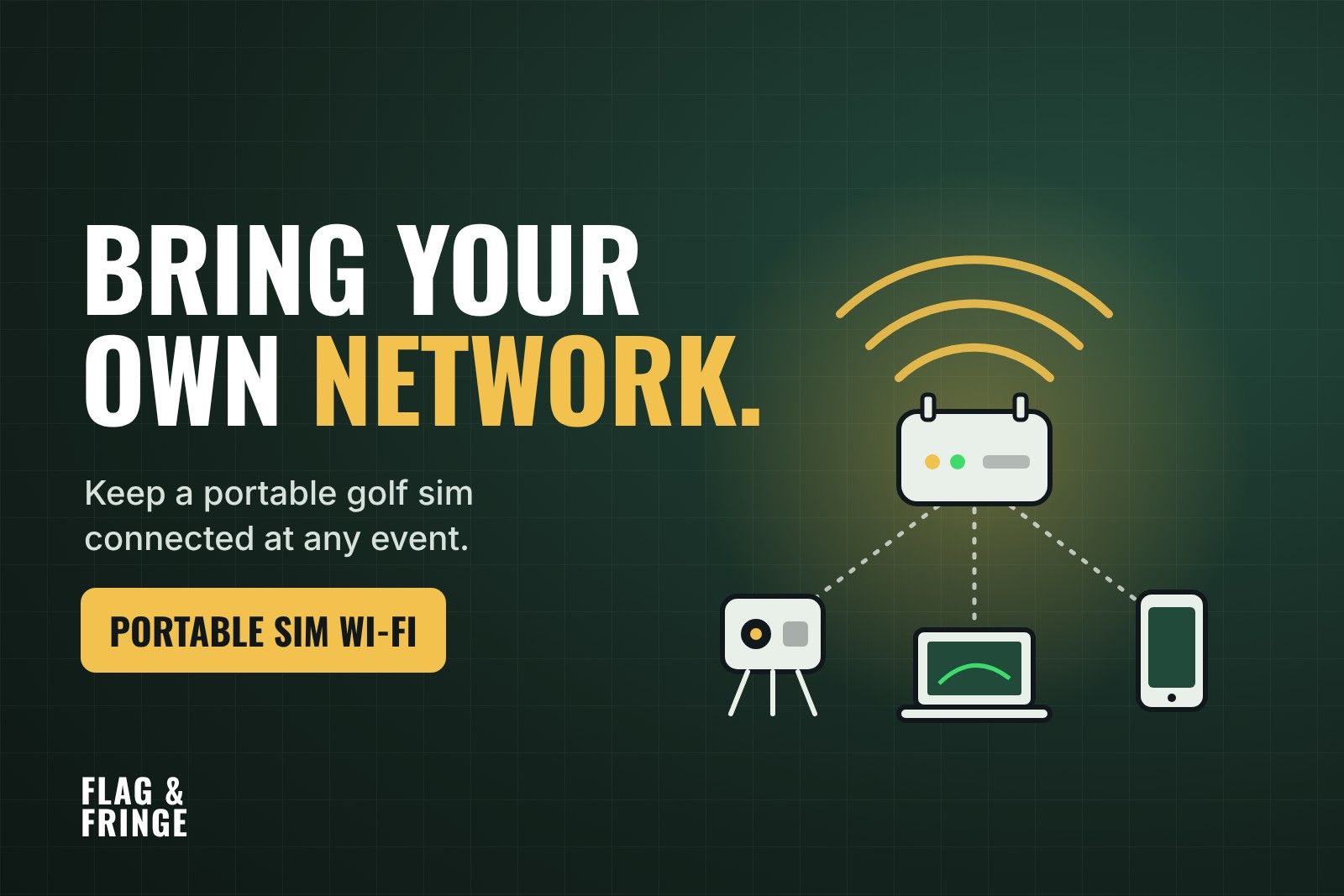
A travel router is a small router you take to every event. Your devices always join the same private network with the same name and password, and the router handles getting online:
- From the venue's Wi-Fi. In repeater mode the router joins the venue network once and shares it. GL.iNet's routers detect sign-in pages and offer a login mode for public hotspots; TP-Link's travel routers handle the sign-in through the Tether app.
- From an Ethernet cable. If the venue can give you a wired connection, plug it into the router's WAN port.
- From your phone. USB tethering shares your phone's data through the router. Carriers can limit or charge extra for tethering, so check your plan.
- From cellular. A router with built-in 5G uses its own SIM, with no venue network involved.
Because your devices are on the router's network, the venue's device isolation no longer matters: your launch monitor, PC and phone can see each other. Leave the router's own client-isolation setting off.
What it won't fix: it can't create internet where none exists (you need a phone or 5G for that), it doesn't help a Bluetooth-only link, and some venues don't allow personal routers, so ask ahead.
Travel routers and hotspots for mobile simulator setups
All specs are from the manufacturers' pages. Pick by where you work: venues with Wi-Fi, venues without it, or a fleet of bays.
- GL.iNet Beryl AX (GL-MT3000): the compact all-rounder. Wi-Fi 6, a 2.5G WAN port and a LAN port, USB 3.0, powered by USB-C (5V/3A). 196 g. Repeater mode and GL.iNet's public-hotspot login mode. Check price on Amazon
- GL.iNet Slate 7 (GL-BE3600): the step up. Wi-Fi 7, two 2.5G Ethernet ports, a touchscreen, USB tethering and multi-WAN failover. GL.iNet's page specifically mentions captive portal handling. USB-C PD power. Check price on Amazon
- TP-Link Roam 7 (TL-WR3602BE): the TP-Link option. Wi-Fi 7, 2.5G WAN and 1G LAN, USB 3.0 for a phone or USB modem, USB-C power from an adapter or power bank. TP-Link lists one-step captive portal login through its Tether app. No built-in battery. Check price on Amazon
- GL.iNet Mudi 7 (GL-E5800): built-in 5G for venues with no usable Wi-Fi. Wi-Fi 7, 5G with two nano-SIM slots plus eSIM, a 5150 mAh battery (GL.iNet says up to 13.5 hours), a 2.5G Ethernet port and USB tethering. Good for outdoor events and tents. Needs a data plan. Check price on Amazon
- Peplink MAX BR1 Mini 5G: the pro pick for event companies. A rugged 5G router certified for AT&T, T-Mobile, Verizon and FirstNet, with two SIMs plus eSIM, three Ethernet ports and an operating range of -40 to 65°C. Using Wi-Fi as WAN, failover and bonding need Peplink's feature pack or PrimeCare subscription. No battery: it runs on 10–30V DC or PoE. Check price on Amazon
Also consider: the GL.iNet Puli AX (GL-XE3000), a 5G router with a 6400 mAh battery and multi-WAN failover on a 12V barrel jack, and dedicated 5G hotspots like the Netgear Nighthawk M7 Pro or Inseego MiFi X PRO 5G if you only need a simple cellular connection.
Pre-event checklist for mobile simulator businesses
Ask the venue before you book:
- Is there guest Wi-Fi, and does it use a sign-in page?
- Do devices on it see each other, or are they isolated?
- Can we have a wired Ethernet connection at our spot?
- Are personal routers allowed?
- What's the cell signal like where we'll set up?
Pack a network kit:
- Your travel router, its power supply and a short Ethernet cable.
- A backup internet source: a phone with tethering on its plan, or a 5G router or hotspot with an active SIM.
- A power bank that matches the router's input (USB-C for most travel routers).
Before the doors open:
- Connect the router first, then the PC or iPad, then the launch monitor.
- Run a full shot through the software before guests arrive.
- Know your fallback: which setups still work with no internet at all.
Test at home first. Set the router up on your own Wi-Fi, then turn your home internet off and switch to phone tethering. If the sim still runs, you're ready for most venues.
FAQ
Do I need internet to run a portable golf simulator?
Not always. Some setups run entirely on Bluetooth or the launch monitor's own Wi-Fi, but many apps need internet for course play, memberships or third-party connections. Check your monitor and software pairing.
Why won't my launch monitor connect to the venue Wi-Fi?
Usually the sign-in page (the monitor can't open it) or device isolation (your devices can't see each other). A travel router fixes both.
Is a phone hotspot enough?
Often for one bay and short events. A travel router adds a fixed network name for all your devices, Ethernet ports and the ability to switch internet sources without re-pairing everything.
What should a mobile golf simulator business buy?
Start with a travel router plus a phone or hotspot with a solid data plan. If you regularly work outdoors or at venues without usable Wi-Fi, a 5G router like the Mudi 7 or a commercial option like the Peplink BR1 Mini is worth it.
I may earn a commission if you buy through these links. As an Amazon Associate I earn from qualifying purchases.
Plan the rest of a portable setup in the Flag & Fringe builder.
Sources
Router specs from each maker's own page, checked Oct 20, 2026. Launch monitor facts are sourced in our software guide.
- GL.iNet: Beryl AX · Slate 7 · Mudi 7 · Puli AX
- GL.iNet docs: sign-in pages · repeater mode · tethering · client isolation
- Others: TP-Link Roam 7 · Peplink MAX BR1 Mini 5G · Netgear Nighthawk M7 Pro · Inseego MiFi X PRO 5G